Slideshow
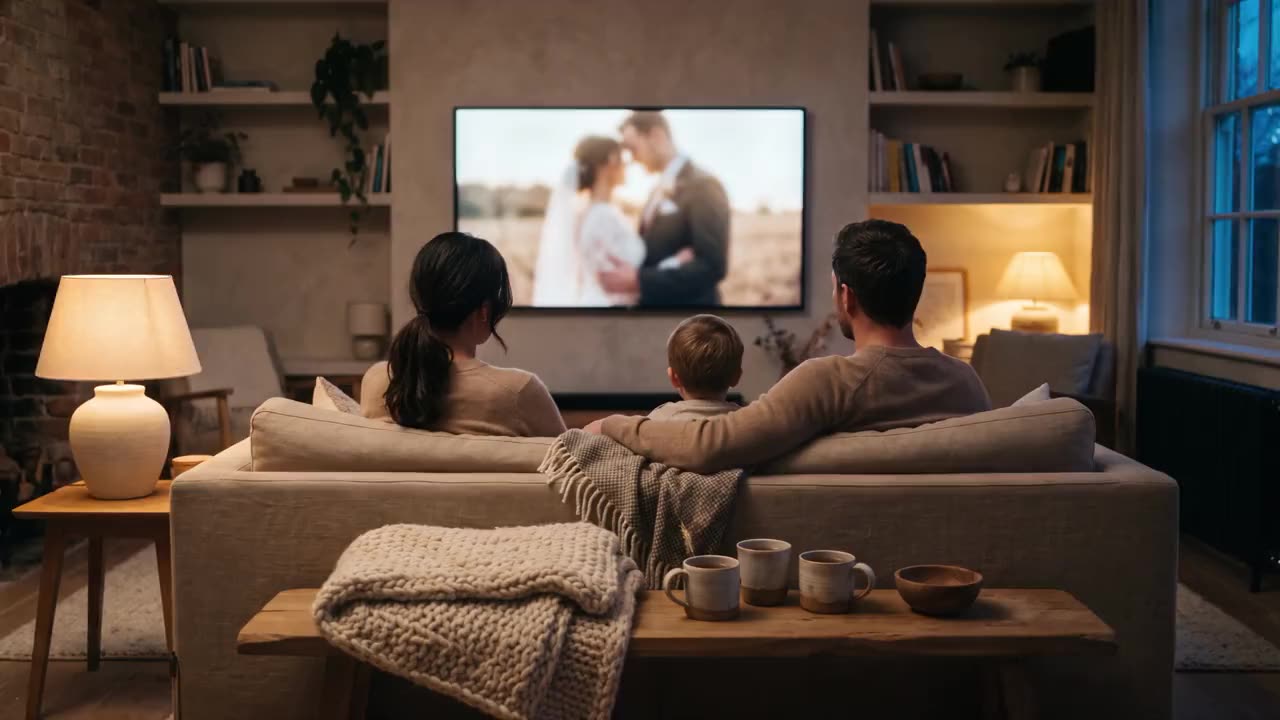
The whole shoot, on the big screen.
The “Slideshow” button turns the gallery into a full-screen slideshow. No export, no download, no second app.
What it looks like
 12 of 48
What to play
How it works
01 ▸
Nothing to switch on
Every gallery with more than one photo has a “Slideshow” button at the top, a screen with a play sign, on every plan.
02 ▸
Choose what plays
Under “What to play”: “All photos”, one scene, “My favorites” or “My selection”, each with its count. It opens on the scene your client was looking at.
03 ▸
Leave photos out
Every photo starts ticked. Tap one to leave it out, or use “Select all” and “Clear”; the count above shows how many are chosen.
04 ▸
Set the pace
“Seconds per photo”: 2, 4, 6 or 8, with 4 to start. The “Ken Burns effect” zooms and pans slowly across each photo; switch it off for still photos.
05 ▸
Start it
“Start” fills the screen. The space bar pauses, the arrow keys go back and forward, and Esc or the cross ends it.
What is in it
- Everything, one scene or just the favorites
- Choose the seconds per photograph
- Let the frame drift slowly, or switch that off
While it plays
- Every photo is shown whole, on black, and fades into the next
- After the last photo it starts again at the first
- The buttons fade after a few seconds; move the mouse or touch the screen to bring them back
- The next photo is loaded before its turn, so nothing waits for the connection
- A watermark on the gallery's photos is in the slideshow too
Questions
Do I need to switch the slideshow on?
No. It is in every gallery with more than one photo, on every plan, Free included.
How do I show it on a television?
Open the gallery on the computer that is connected to the screen and start the slideshow there; it fills the screen. There is no separate cast button.
Does the Ken Burns effect crop my photos?
A little, while it moves: it zooms in by up to about six percent. Switch it off and every photo is shown exactly whole.
Can I use it myself, at a viewing with my client?
Yes. Open the gallery, or its “Preview” while it is still a draft, and start the slideshow there.
Does it work on a phone or tablet?
Yes. Touch the screen to bring the buttons back, then tap the left or right side for the previous or next photo.
Pass it on
Send this page to whoever it is for.
A client, a colleague, a wedding planner or an agency: this link opens this page.
https://shyreo.com/features/slideshow
More features
Galleries
Beautiful delivery, in your own style
Find me
Guests find themselves with a selfie
Rolls
A roll for every guest, one album together
Portrait sessions
Portraits at a fair, each person gets only their own
Video
The aftermovie, with feedback to the second
Favorites
Clients choose, you get the file names
Slideshow
The whole shoot on the big screen
On the phone
Feels like an app
Plug-ins
Lightroom, Capture One and DaVinci Resolve: what clients choose comes back
Mac app
Upload whole folders, even with the browser closed
Your brand
Your logo, colours and own address
Client brands
Deliver under your client's name
Watermarks
Your logo on the previews
Search
Find one photo in your whole archive
Client portal
One address for returning clients
Team
Several photographers and brands
Group galleries
One event, every photographer on one page
Moving in
Your whole archive in, folder by folder
Security
How your clients' photographs are protected