

Our roll
Robin & Tina
Choose your best 36 photos of the day and add them to our album.
Scan the code, or go to
shyreo.com/features/rolls
Rolls
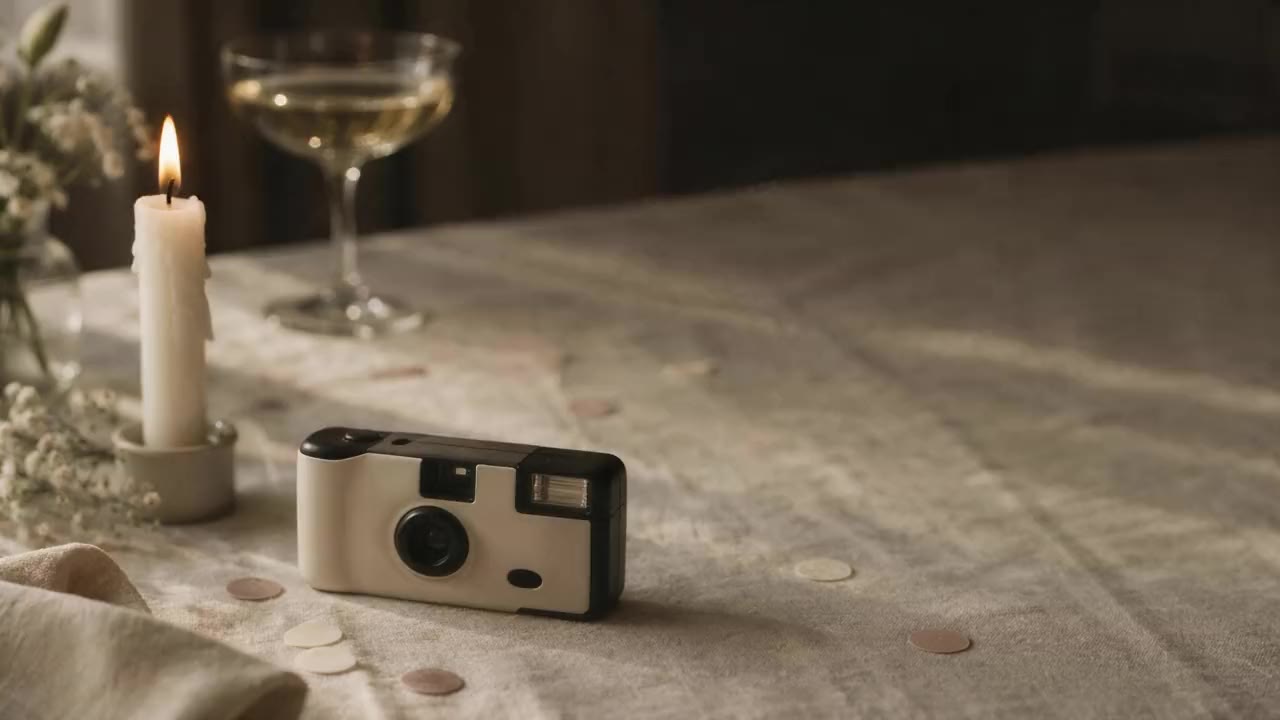
From €149 per eventThe disposable cameras on the tables, but with the guests' own phones. Every guest puts their best 36 photos of the day on a roll of their own, and together they make one shared album. For a wedding, and just as well for a birthday, a family party, a reunion or a company event.
How it works
01 ▸
The event is ready
One shared album with 50 or 100 rolls of 36 photos. The photographer or organiser sets it up and chooses until when guests can upload.
02 ▸
A card or a link
A card with a QR code on the table or at the door, or the link in the group chat or an email. Scanning is all it takes: no app needed.
03 ▸
Claiming a roll
With a name and an email address. The guest gets a six-digit code by email; there is no password.
04 ▸
36 photos, swap freely
From their own phone. Until the guest presses Develop, nobody else sees the photos and they can still be swapped. After that they are fixed.
05 ▸
Looked over, then into the album
The photographer or the organiser looks at every developed roll, lets it into the album, or keeps a single photo out. Then anyone with the link can look.
What it looks like
Our roll
Choose your best 36 photos of the day and add them to our album.
Scan the code, or go to
shyreo.com/features/rolls
The card
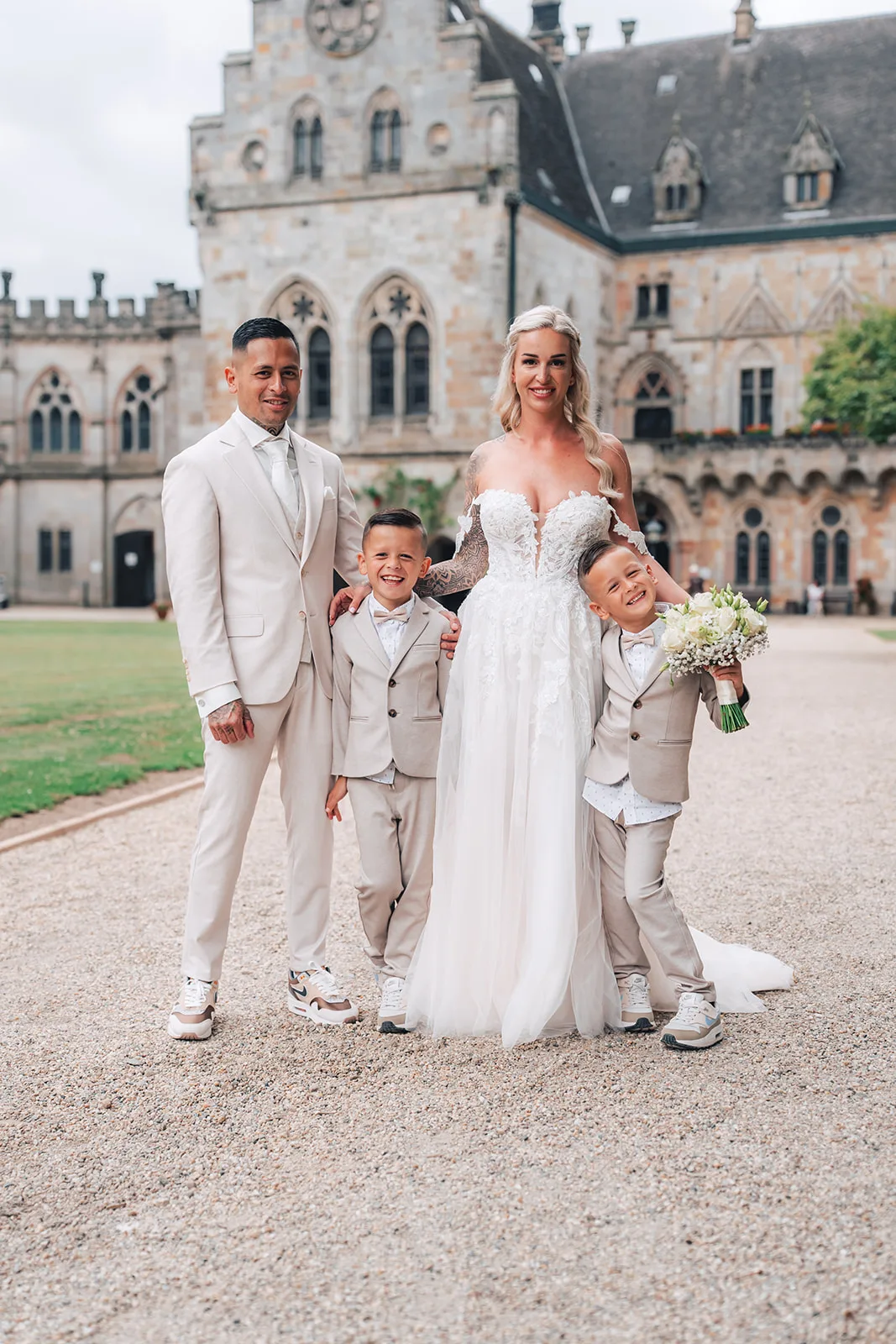
ExampleTo print, at A6. With the photographer's logo, the name of the event and a QR code.
Our roll
So glad you were there! Put your favourite photos of the day on your roll: we would love to see our wedding through your eyes.
Scan the code, or go to
shyreo.com/features/rolls
The card with Plus
Example · PlusWith a photo and words of their own, from the couple, the host or the company, in place of our camera and our text.
Remyonline
Your roll
Robin & Tina
29to go


A guest's roll
ExampleOn the phone: the strip of film, the counter going down, and the Develop button.
Waiting for you · 2
Anna de Vries · 12 photos
 Out
Out OutOutOutOutKept outBackOutOut
Looked over by the organiser
ExampleWith a link of their own, no account: a whole roll into the album, or a single photo kept out.
Remyonline
Robin & Tina


The album
ExampleA gallery in the photographer's own style, with a section for every guest.
Examples
A wedding
A hundred and twenty guests, twelve tables, a card on every one. Photos are taken during dinner and at the party, and the next day the guests who join in choose their best 36. The couple looks the rolls over, and the album is there for everyone who was there.
A company event
A staff party, an anniversary or a conference. Colleagues capture it the way they saw it. The organisers look everything over first, so nothing ends up in the album that does not belong there, and then share the link with the whole company.
A birthday
A thirtieth, a fiftieth or an eightieth. Friends and family put their photos of the evening on a roll, and the one whose birthday it is looks them over before the album opens to everyone.
A family party
A family day, a silver wedding anniversary or a christening. Cousins and grandparents from near and far, all in one album. Anyone who wants to share more than 36 photos buys an extra roll themselves, for €4.95.
A reunion
Old classmates or former colleagues seeing each other again after years. With the link in the group chat everyone claims a roll, late arrivals too, until the event's deadline.
A club or society
A club anniversary, a gala or the end of a season. Members take the photos, the committee looks them over, and then the album is there for every member.
Why it works
No app, no password
It works in the browser of any phone. Scan, a name and an email address, done.
Private until Develop
Nobody sees a photo before the guest is done, and until then photos can be swapped.
Looked over first
Nothing goes into the album before the organiser or the photographer has seen it.
A section for every guest
In the album every roll stays together, under the guest's name.
Nothing gets lost
Whatever is not developed by the deadline is developed by itself.
Downloads as the photographer sets them
One photo at a time, or everything at once.
Two packages
Rolls
€149 per event
Rolls Plus
€249 per event
Once per event, prices including 21% VAT. Extra rolls are €4.95, and guests can buy one themselves too.
How to get it
Through your photographer
Does the photographer deliver with Shyreo? Then they set the event up for you and charge their own price for it, on its own or with the coverage.
Yourself
Make a Shyreo account on a paid plan, from €9.95 a month and cancel any month. In it you buy Rolls or Plus per event.
Questions
No. It works at any event where guests take photos: a birthday, a family party, a reunion, a company party or a conference. It always goes the same way: a card or a link, a roll for every guest, and one shared album.
No. It works in the browser of any phone: scan the QR code, claim a roll and choose photos.
They fill in their name and email address and get a six-digit code by email. There is no password: anyone who comes back later simply asks for a new code.
Then that guest buys an extra roll themselves, for €4.95. Extra rolls for the whole event are possible too.
Until a guest presses Develop, only that guest. Then the organiser or the photographer looks the roll over, and only then is it in the album, for anyone with the link.
Until the deadline set for the event. Whatever is not developed by then is developed by itself, so nothing gets lost.
The rights stay with the guest. By developing a roll, a guest allows the photos to be shown in the album and shared with the people the album is for.
Yes. Anyone on a paid Shyreo plan can set up an event with rolls: a wedding planner, an event agency or a company itself too.
Pass it on
To a couple, a company, a wedding planner or an event agency: everything about Rolls is here.
https://shyreo.com/features/rolls
More features
Galleries
Beautiful delivery, in your own style
Find me
Guests find themselves with a selfie
Rolls
A roll for every guest, one album together
Portrait sessions
Portraits at a fair, each person gets only their own
Video
The aftermovie, with feedback to the second
Favorites
Clients choose, you get the file names
Slideshow
The whole shoot on the big screen
On the phone
Feels like an app
Plug-ins
Lightroom, Capture One and DaVinci Resolve: what clients choose comes back
Mac app
Upload whole folders, even with the browser closed
Your brand
Your logo, colours and own address
Client brands
Deliver under your client's name
Watermarks
Your logo on the previews
Search
Find one photo in your whole archive
Client portal
One address for returning clients
Team
Several photographers and brands
Group galleries
One event, every photographer on one page
Moving in
Your whole archive in, folder by folder
Security
How your clients' photographs are protected