Find me
From ProEvery guest finds their own photographs.
Three hundred guests, two thousand photographs, and everybody looking for the four they are in. With Find me a guest takes a selfie, or taps someone in a photograph, and the gallery shows only the photographs that person is in.
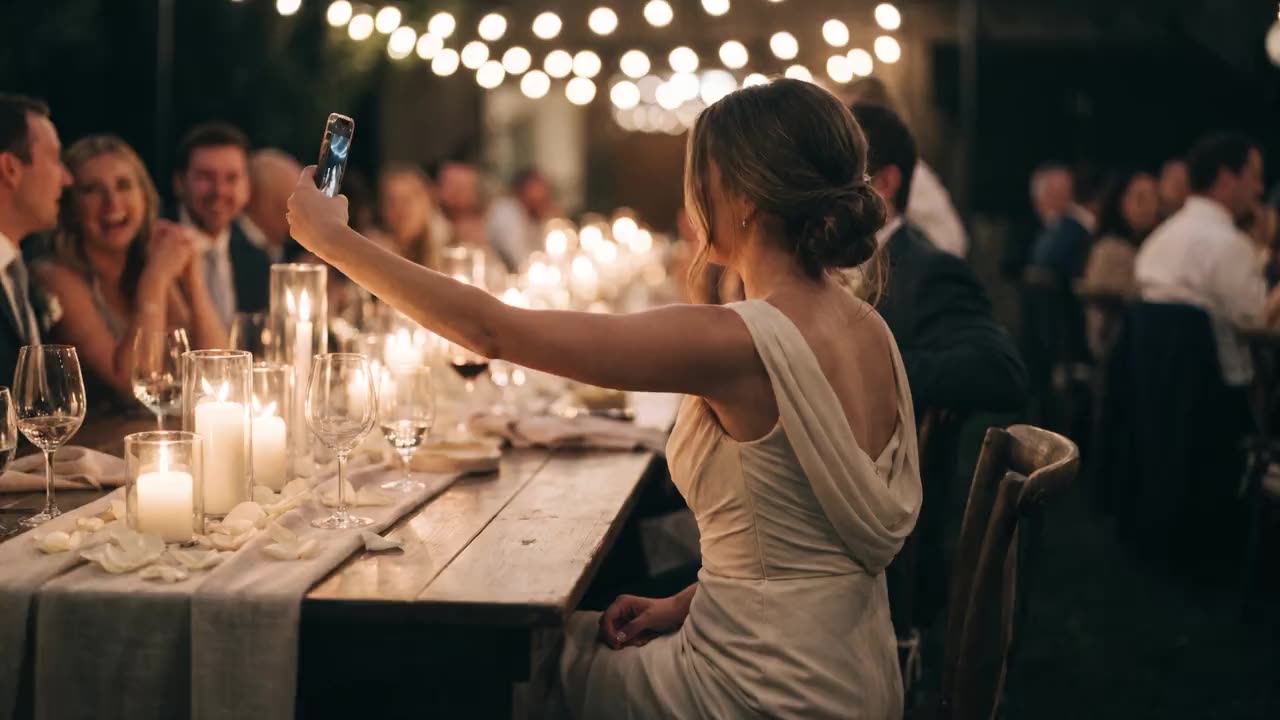
What it looks like

One selfie


The photographs she is in
How it works
01 ▸
Switch it on per gallery
Open the gallery, go to Settings and switch on “Let guests find themselves” under Find me.
02 ▸
Confirm people were told
Tick that the people in the photographs were told, in the event terms, on a sign at the door or in the wedding agreement. Press “Switch on”; Shyreo keeps the date.
03 ▸
The photographs are indexed
Shyreo goes through the photographs while the page is open, and does the rest within the hour. Photographs you add later are done as they upload.
04 ▸
Your guest taps Find me
It is the face at the top of the gallery. Your guest takes or chooses a selfie, or picks a photo and taps the person they are looking for.
05 ▸
Only their photographs
The gallery shows the photographs that person is in. Your guest can heart them, download them all at once where the gallery allows it, or press “Show all”.
What is in it
- The selfie is never stored: compared, then thrown away
- Faces are only compared inside one gallery, or one event's group page, and forgotten when it closes
- Off until you switch it on, confirming the people in it were told
- Everything found downloads at once, where the gallery allows it
- Pro: 5,000 photographs a month, Studio 10,000, Agency 25,000. Extra photographs can be bought
Two ways to search
- 01
With a selfie
Taken with the front camera or chosen from their photos. Your guest agrees every time, before it is used.
- 02
From a photo
Your guest picks a photo and taps a person. This uses a face the gallery already found, so no new photo leaves the phone.
What counts
- Every photograph made searchable counts once, whether or not anyone is in it
- Your guests' searches do not count
- Used up? New photographs wait for next month, or buy 5,000 extra for €12.95 under Billing, kept until used
- A mail when a fifth is left, and again when it is used up
- Switching off forgets every face at once; switching on again indexes and counts the photographs again
Questions
What happens to a guest's selfie?
It is made smaller and loses its location, is compared with the faces in that one gallery, and is thrown away. Neither Shyreo nor the service that does the comparing keeps it; only a note that this visitor searched, when, and how many photographs came back.
What is stored of the faces in my photographs, and for how long?
The comparing service, in Ireland, turns each face into a set of numbers, kept for that gallery, and for its group page where Find me is on for a whole group. Shyreo keeps where each face sits in the photo. They are deleted when you switch Find me off, when the gallery closes or is deleted, and per photograph when you remove it.
How does Find me handle the GDPR?
Nothing starts until you confirm that the people in the photographs were told their faces can be searched. Shyreo asks every time you switch it on and keeps the date, and every guest agrees before their own selfie is used.
Why does it not find every photograph of someone?
Shyreo only shows a match rated at least 90% alike: a wrong photograph is worse than a missed one. Faces too small or blurred to match are left out. A selfie facing the camera in good light works best.
Pass it on
Send this page to whoever it is for.
A client, a colleague, a wedding planner or an agency: this link opens this page.
https://shyreo.com/features/find-me
More features
Galleries
Beautiful delivery, in your own style
Find me
Guests find themselves with a selfie
Rolls
A roll for every guest, one album together
Portrait sessions
Portraits at a fair, each person gets only their own
Video
The aftermovie, with feedback to the second
Favorites
Clients choose, you get the file names
Slideshow
The whole shoot on the big screen
On the phone
Feels like an app
Plug-ins
Lightroom, Capture One and DaVinci Resolve: what clients choose comes back
Mac app
Upload whole folders, even with the browser closed
Your brand
Your logo, colours and own address
Client brands
Deliver under your client's name
Watermarks
Your logo on the previews
Search
Find one photo in your whole archive
Client portal
One address for returning clients
Team
Several photographers and brands
Group galleries
One event, every photographer on one page
Moving in
Your whole archive in, folder by folder
Security
How your clients' photographs are protected